What you're giving up vs what you're getting:
- Giving up: Automatic sync that just works out of the box, 15GB of free storage with zero setup, polished mobile apps with offline support
- Giving up: Google's search-inside-documents feature — Nextcloud's search is slow and misses things
- Getting: Full privacy. No document scanning, no ad profiling, no third party reading your files
- Getting: Unlimited storage bound only by your own hardware and whatever drives you plug in
- Getting: Complete control over who accesses what, with no terms of service that change every six months
💡 My setup: 180GB across 3 users on a $200 mini PC running Docker. Use the Docker install — the manual PHP route is a dependency nightmare. Add Redis for file locking or you'll regret it.
I have to be honest about this upfront. The Nextcloud desktop sync client has given me more headaches than anything else in this setup. Conflict handling is genuinely bad — it creates duplicate files with "(conflict)" in the name and leaves you to sort it out. Worse, the client sometimes just stops syncing silently. No error, no notification, nothing. You find out three days later when you open your laptop at a coffee shop and the file you need is stale. I've lost work to this. Not a lot, but enough to make me angry. I still use Nextcloud, but I check the sync status icon more than I should have to.
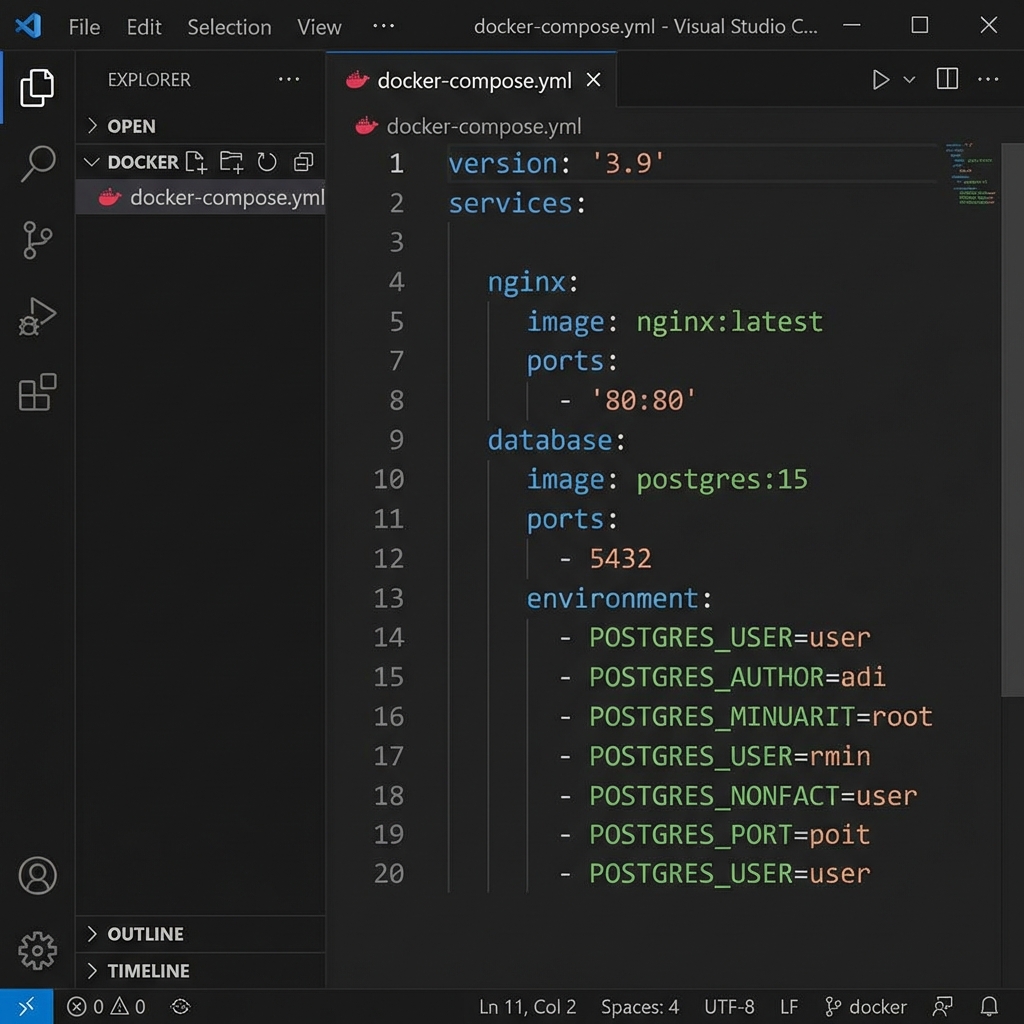
Here's the docker-compose.yml I use. It sets up MariaDB, Redis, and Nextcloud in one stack — copy this and adjust the passwords.
version: '3'

services:
 db:
 image: mariadb:10
 command: --transaction-isolation=READ-COMMITTED --log-bin=binlog --binlog-format=ROW
 restart: always
 volumes:
 - db:/var/lib/mysql
 environment:
 - MYSQL_ROOT_PASSWORD=rootpassword
 - MYSQL_PASSWORD=nextcloudpass
 - MYSQL_DATABASE=nextcloud
 - MYSQL_USER=nextcloud

 redis:
 image: redis:alpine
 restart: always

 app:
 image: nextcloud:apache
 restart: always
 ports:
 - 8080:80
 depends_on:
 - db
 - redis
 volumes:
 - nextcloud:/var/www/html
 - ./data:/var/www/html/data
 environment:
 - MYSQL_PASSWORD=nextcloudpass
 - MYSQL_DATABASE=nextcloud
 - MYSQL_USER=nextcloud
 - MYSQL_HOST=db
 - REDIS_HOST=redis

volumes:
 db:
 nextcloud:
Initial Setup
docker compose up -dNavigate to http://YOUR_IP:8080
Create admin account and wait for installation (first load takes a minute).
Reverse Proxy with SSL
For production, put Nextcloud behind a reverse proxy with SSL.
Nginx config snippet:
server {
 listen 443 ssl http2;
 server_name cloud.yourdomain.com;

 ssl_certificate /etc/letsencrypt/live/cloud.yourdomain.com/fullchain.pem;
 ssl_certificate_key /etc/letsencrypt/live/cloud.yourdomain.com/privkey.pem;

 location / {
 proxy_pass http://localhost:8080;
 proxy_set_header Host $host;
 proxy_set_header X-Real-IP $remote_addr;
 proxy_set_header X-Forwarded-For $proxy_add_x_forwarded_for;
 proxy_set_header X-Forwarded-Proto $scheme;

 client_max_body_size 512M;
 proxy_connect_timeout 600;
 proxy_send_timeout 600;
 proxy_read_timeout 600;
 }
}
⚠️ If this fails: Check your port bindings and make sure nothing else is on 8080. I tried the manual PHP setup once — spent an entire afternoon wrestling with OPcache settings and PHP memory limits before giving up and going back to Docker. The official image handles all that nonsense internally.
Configure Trusted Domains
Edit config.php or use occ:
docker exec -u www-data nextcloud php occ config:system:set trusted_domains 1 --value=cloud.yourdomain.comPerformance Tuning
Enable Caching
Already using Redis in our setup. Verify in config.php:
'memcache.local' => '\\OC\\Memcache\\APCu',
'memcache.distributed' => '\\OC\\Memcache\\Redis',
'memcache.locking' => '\\OC\\Memcache\\Redis',
'redis' => [
 'host' => 'redis',
 'port' => 6379,
],
Background Jobs
Set cron as the background job method:
docker exec -u www-data nextcloud php occ background:cronAdd a cron job on the host:
*/5 * * * * docker exec -u www-data nextcloud php cron.phpDesktop and Mobile Sync
- Desktop: Download Nextcloud client from nextcloud.com
- iOS/Android: Install from app stores
- WebDAV: Works with any WebDAV client
Server URL is your domain. Log in with your Nextcloud credentials. The desktop client works — mostly. See my complaints above. The mobile app is functional but bare-bones compared to Google Drive or Dropbox.
Calendar and Contacts
Enable Calendar and Contacts apps in Nextcloud.
Sync to devices using CalDAV/CardDAV:
- iOS: Settings → Calendar/Contacts → Add Account → Other
- Android: Use DAVx5 app
- Thunderbird: Use TbSync extension
Server URLs:
CalDAV: https://cloud.yourdomain.com/remote.php/dav
CardDAV: https://cloud.yourdomain.com/remote.php/dav
Key Apps
A word of warning about the Nextcloud app store: it's about 90% abandoned plugins with 2-star ratings and last-updated dates from 2021. Don't go browsing and installing everything that looks interesting. Stick to the core apps that actually get maintained:
- Nextcloud Office - Collaborative document editing. Works, but noticeably slower than Google Docs.
- Talk - Video calls and chat. Fine for 1-on-1, struggles with groups.
- Deck - Kanban boards. Decent if you keep it simple.
- Notes - Basic markdown notes. Nothing fancy.
- Photos - Photo organization. The auto-upload from mobile actually works well.
Backup Strategy
This is the part people forget. There's no Google safety net anymore. If your drive dies, your files are gone. I run these three commands weekly via cron and copy the output to an external drive monthly.
# Backup database
docker exec nextcloud-db mysqldump -u root -prootpassword nextcloud > backup.sql

# Backup data directory
tar -czf nextcloud-data.tar.gz ./data

# Backup config
docker cp nextcloud:/var/www/html/config/config.php ./config-backup.php
Maintenance
# Run maintenance
docker exec -u www-data nextcloud php occ maintenance:mode --on
docker compose pull
docker compose up -d
docker exec -u www-data nextcloud php occ upgrade
docker exec -u www-data nextcloud php occ maintenance:mode --off
Common Issues
Upload Size Limits
In.htaccess or php.ini:
php_value upload_max_filesize 512M
php_value post_max_size 512M
Slow First Load
Enable PHP opcache and APCu caching.
Sync Conflicts
Nextcloud creates conflict copies with "(conflict)" appended to the filename. There's no merge — you resolve them manually in the web interface. If you're editing files on multiple devices, this will happen. Redis helps with locking but doesn't eliminate it entirely.
Is it as polished as Google Drive? No. The sync client has issues, the app store is a graveyard, and the mobile experience is years behind. Is it close enough? For my use case — personal files, shared family photos, a couple of collaborative documents — yes. For most people who just want something that works and don't think about where their data lives? Probably not. I'm okay with that trade-off. Google doesn't deserve my files, and the inconvenience is a price I'm willing to pay.
💬 Comments